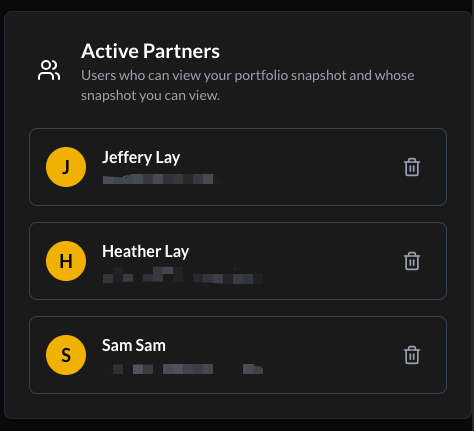
Sharing Network
The Sharing Network allows users to connect with up to 9 other users and compare portfolio snapshots within the platform.
Sharing is mutual and voluntary. Portfolio data is visible only after both parties approve the connection.
Accessing Sharing
There are two ways to access the sharing features:
1. Quick Access Icon
If you have active positions, a Users Icon appears in the My Positions header.
- Selecting the icon opens the comparison view.
- The icon is hidden when no positions are present.

2. Account Menu
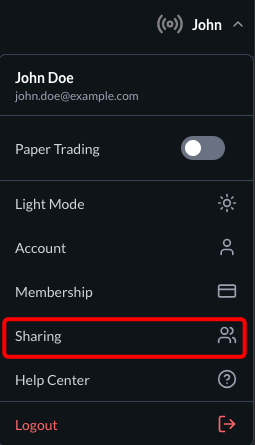
To manage connections or view your share code:
- Open the Account Menu.
- Select Sharing.
Side-by-Side Comparison
The comparison view displays portfolio metrics for you and an approved connection.
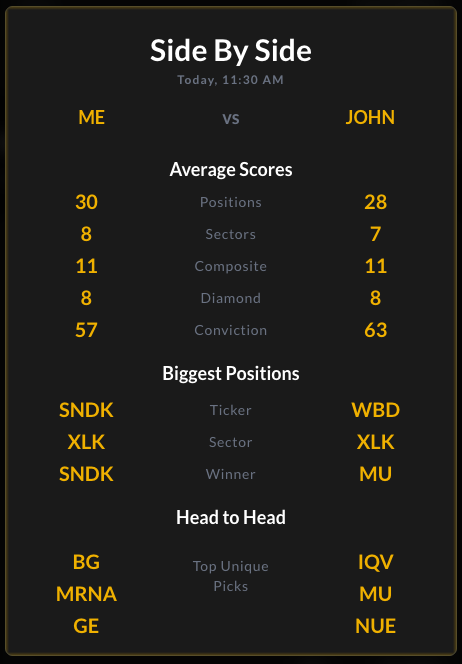
Data Points
- Average Scores: Relative Composite, Diamond, and Conviction metrics.
- Exposure: Number of positions and sector distribution.
- Largest Positions: Top holdings by portfolio weight.
- Unique Holdings: Securities held by one user but not the other.
This view provides informational comparisons only and does not constitute investment advice.
Adding Connections
You may connect with up to 9 users using a 6-digit share code system.
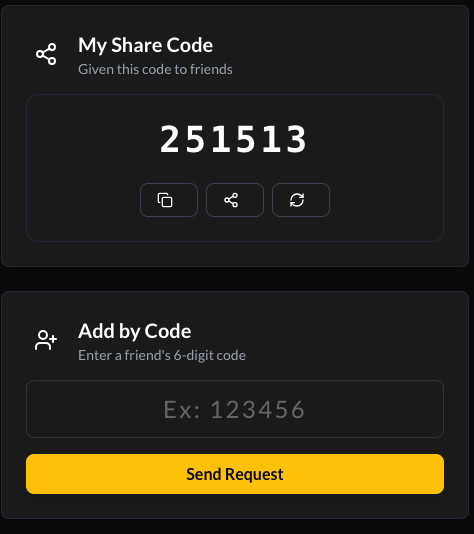
Share Your Code
Each user has a unique 6-digit share code that can be shared voluntarily.
Add by Code
- Enter a valid 6-digit code.
- Select Send Request.
- Once accepted, both users can view each other’s portfolio snapshots.
Managing Requests
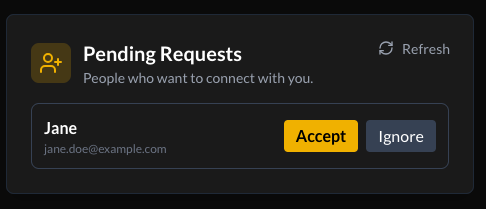
Pending Requests
Incoming requests appear in the Sharing Hub.
- Accept: Approve connection.
- Ignore: Decline request.
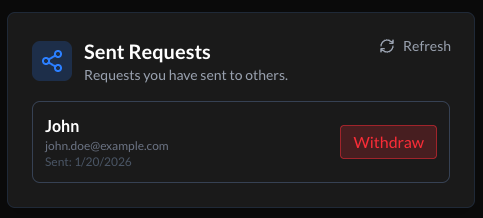
Sent Requests
Requests awaiting approval are listed here.
- Withdraw: Cancel a pending request.
Active Connections
Displays users with whom you currently share portfolio snapshots.
- Remove: Disconnect and immediately revoke mutual access.