Interface Tour
The MarketQuants interface is organized into three primary sections: My Portfolio, My Positions, and The Leaderboard.
The Stripe (Header)

The top title bar, referred to as The Stripe, contains key controls.
- Refresh: Select the MarketQuants logo to refresh platform data.
- User Profile: Displays your account name.
- Mode Indicator (Beacon):
- Grey Beacon: Indicates simulation (paper) mode.
- Gold Beacon: Indicates connected brokerage mode.
note
Section header colors reflect the selected mode: Grey for simulation and Gold for connected brokerage.
Main Sections
Each primary section provides specific informational functionality.
1. My Portfolio
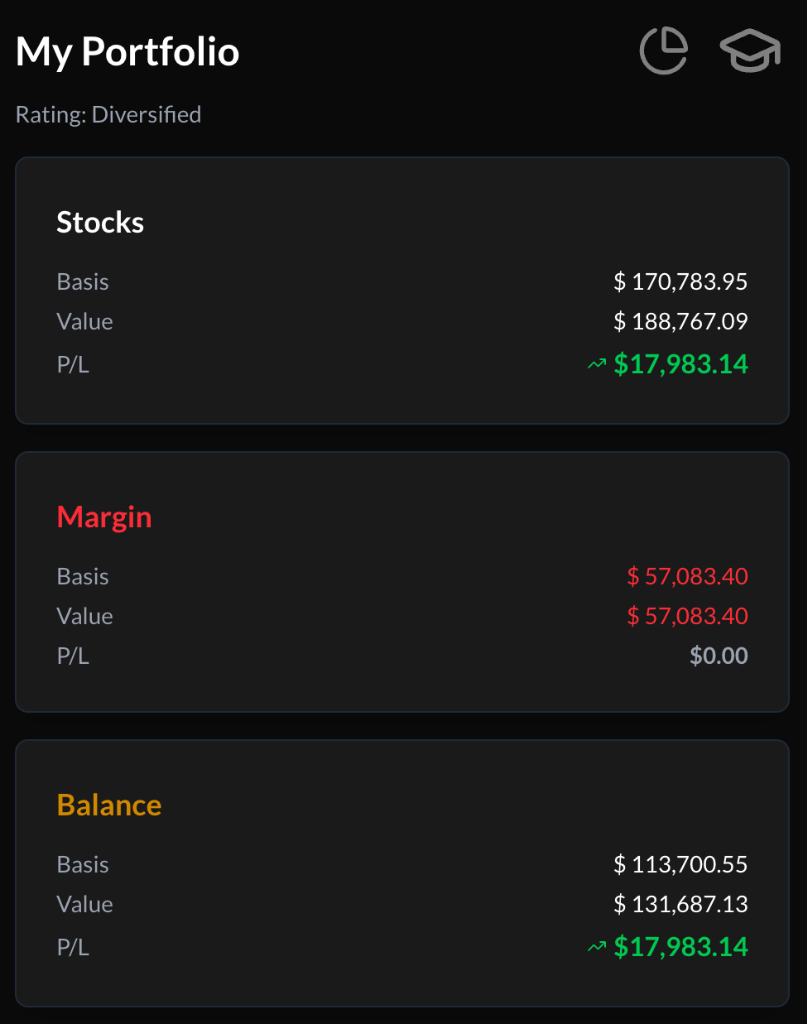
Displays high-level portfolio metrics and structural overview, organized into Stocks, Cash, and Balance components.
2. My Positions
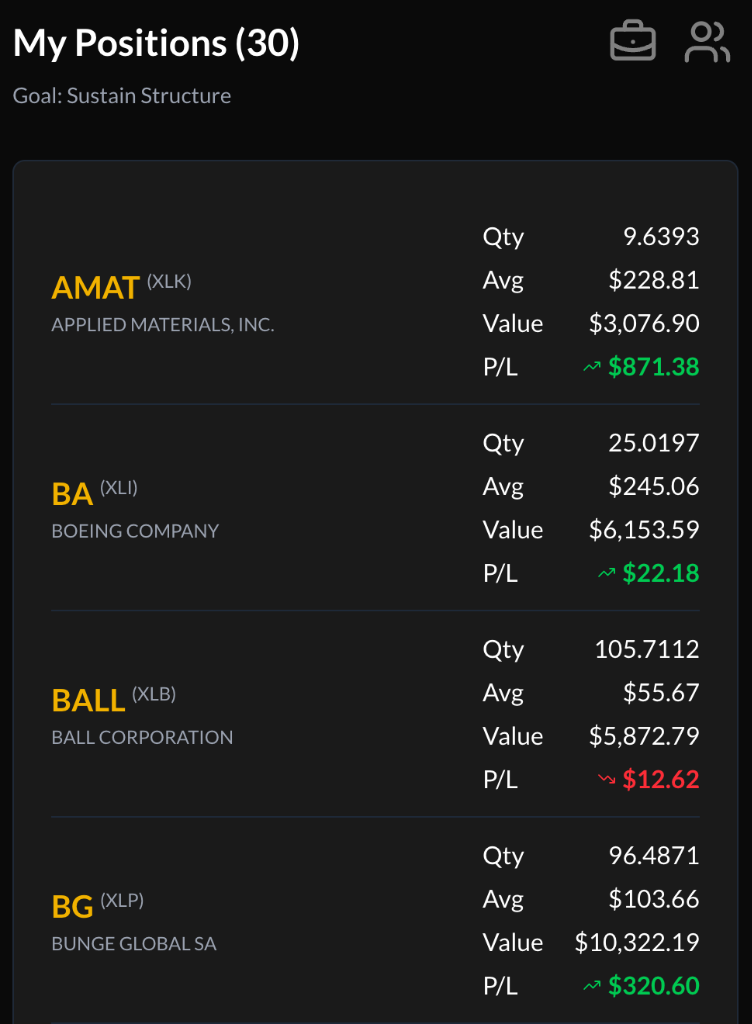
Lists currently held securities and related position data.
3. Leaderboard
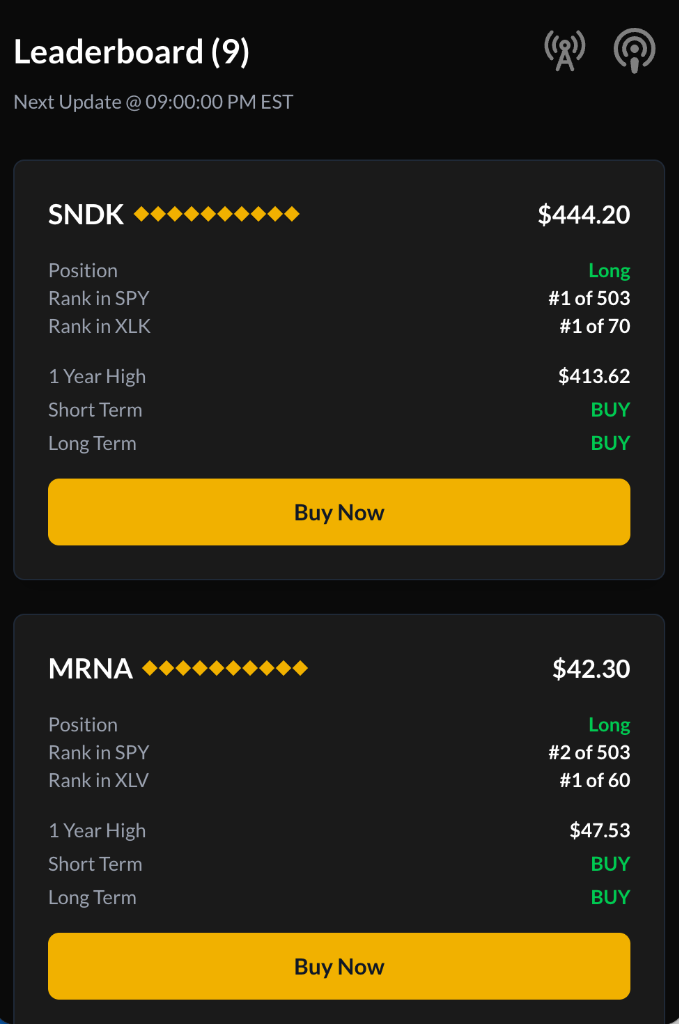
Displays ranked securities based on proprietary quantitative scoring.